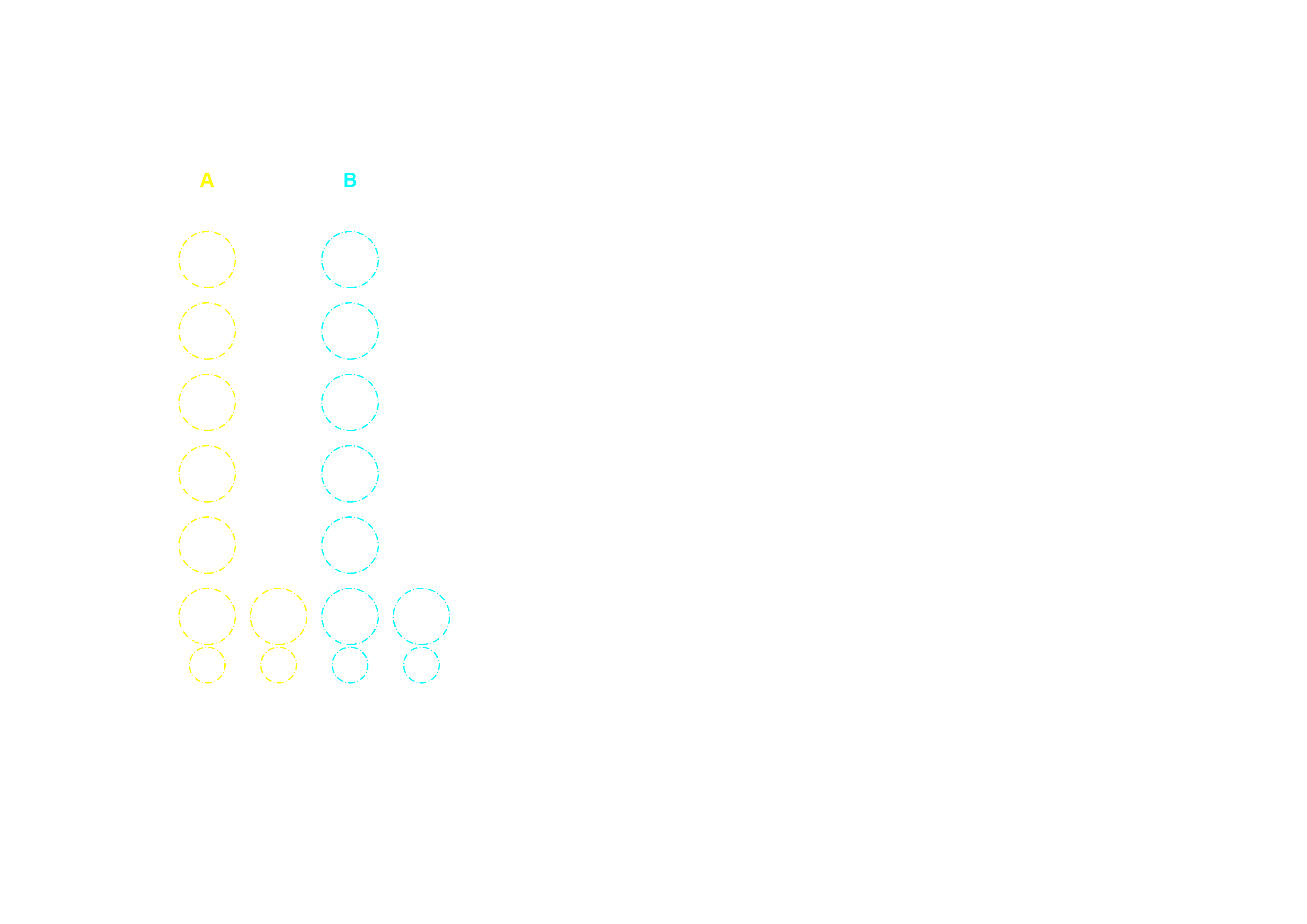
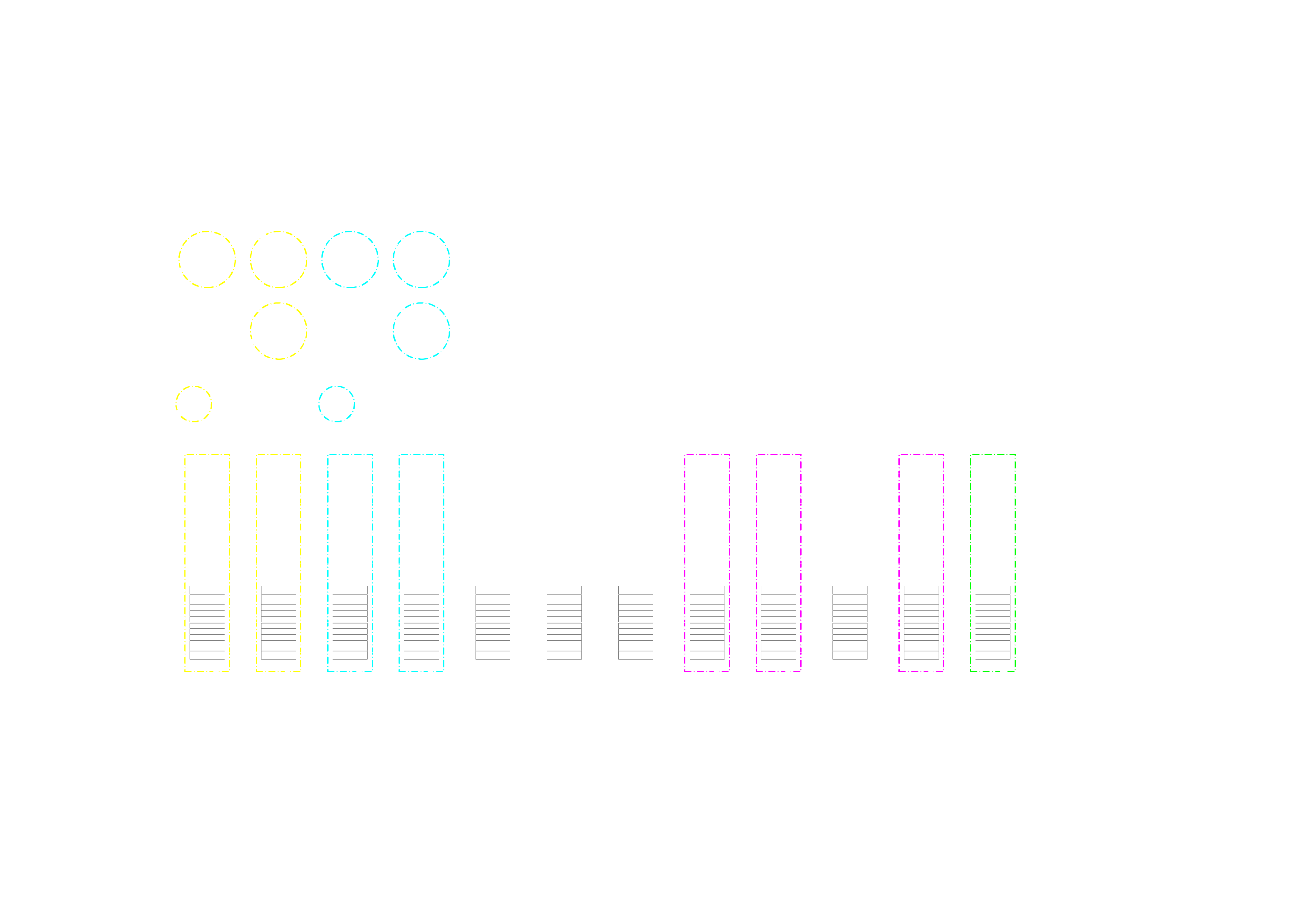
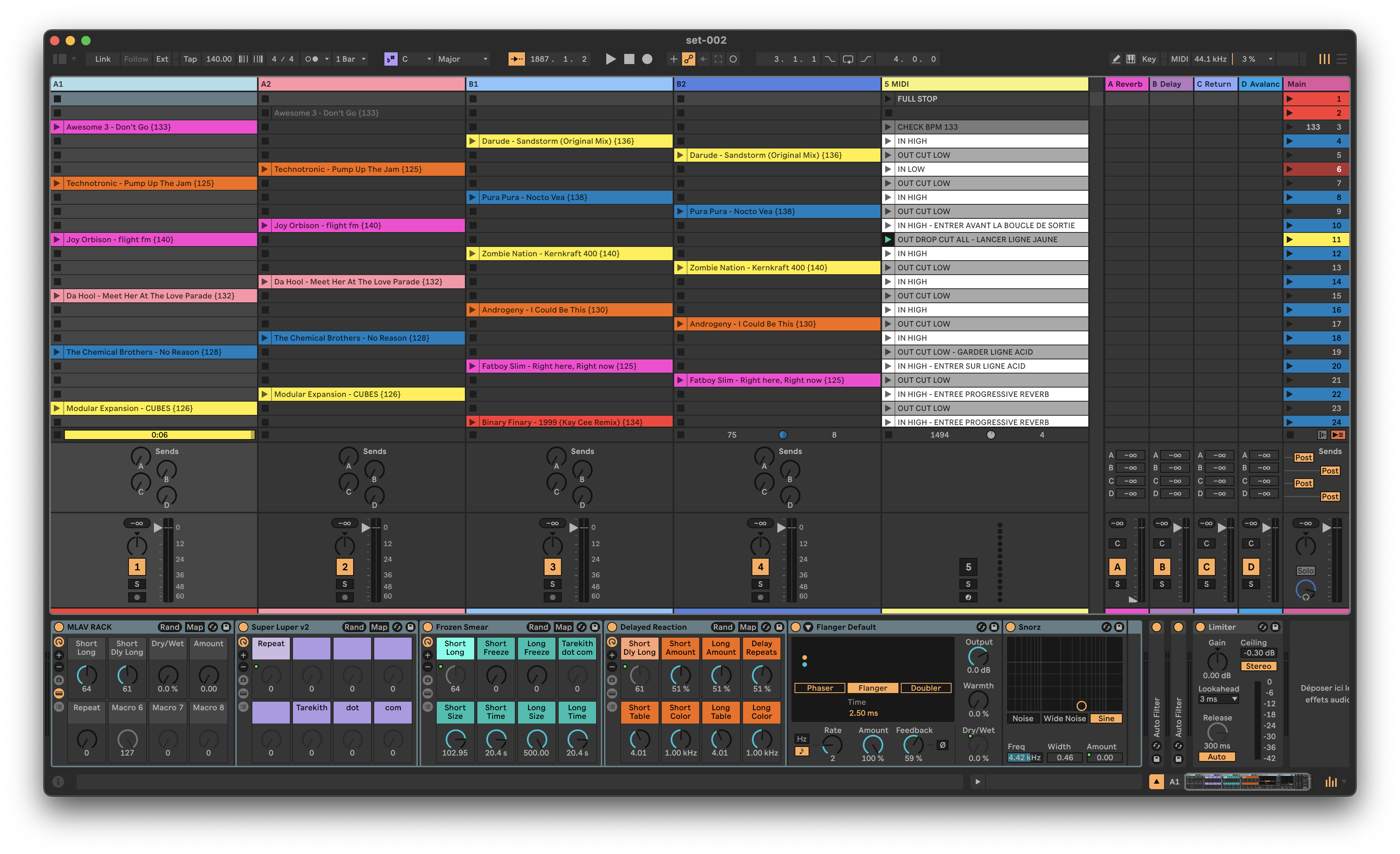
Our DJ setup is centered around Ableton Live, a launchpad, and the MX12 and PC12 controllers by Faderfox. Below, you’ll find diagrams detailing the mapped effects on each Faderfox controller. A screenshot of the Ableton session shows the file structure and effects applied to each track.
We incorporate effects from Tarekith’s collection, which you can find here. Here’s a quick guide to the track controls:
- Controls labeled “A” apply to tracks A1 and A2
- Controls labeled “B” apply to tracks B1 and B2
In this setup:
- A2 and B1 contain opening loops
- A1 and B2 are full songs, each ending with a loop